Input and fight tools
Auto Clicker, Reach, CPS, Combo, Hitbox, and Sprint Toggle form the active gameplay layer.
Auto ClickerReachCPSComboHitboxSprint Toggle
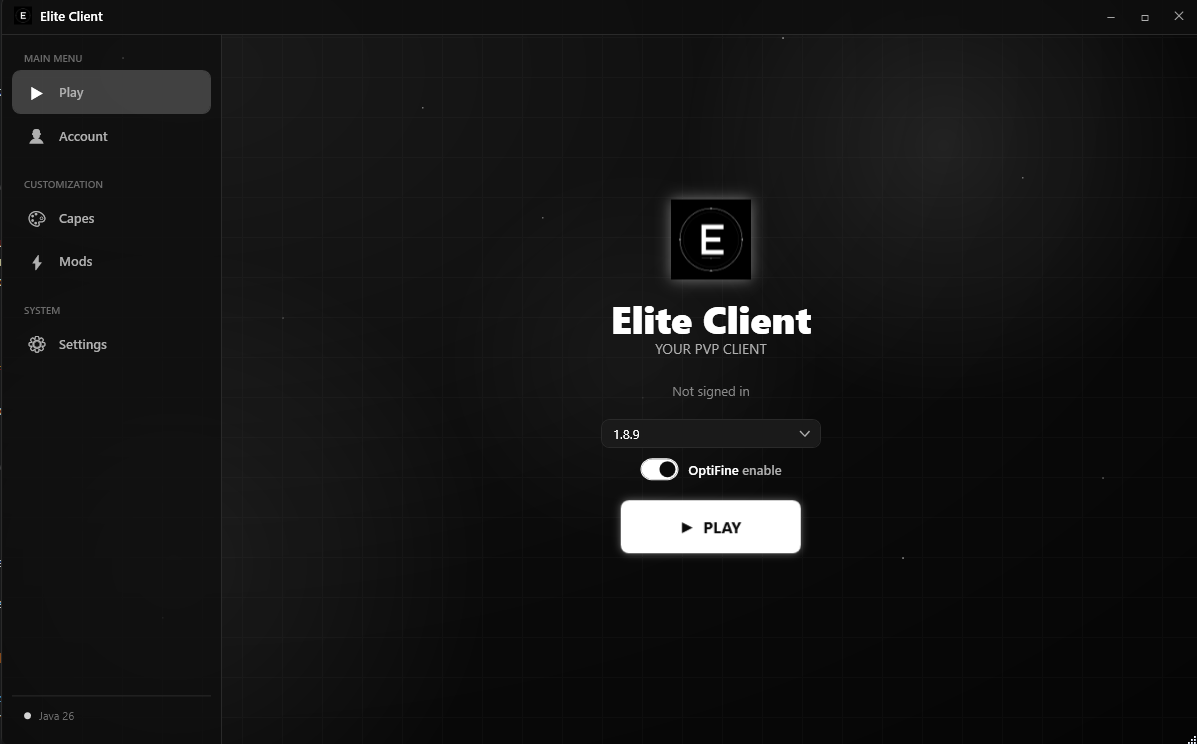
Minecraft Client
Built for the best PVP experience.
Features
Auto Clicker, Reach, CPS, Combo, Hitbox, and Sprint Toggle form the active gameplay layer.
Block Overlay, Crosshair, Pearl Line, FPS, and Ping keep the screen readable and styled.
Armor HUD, Potion HUD, Coordinates, Keystrokes, Chat, and the draggable HUD editor with grid snap.
Cape support where you can add your own custom capes for free.
About
Elite Client is made to keep your screen clean, your information visible, and your movement-focused playstyle fast and comfortable.
Move HUD elements where you want, enable only the modules you need, and customize visuals like capes and overlays to match your style.
Open the menu, pick your setup, and play. Elite Client focuses on smooth daily use instead of complicated setup steps.